Desk Setup & Physical Comfort
Arrange your desk, chair, and peripherals in a way that supports relaxed, natural positioning throughout your workday.
Read Workspace GuideSimple, practical guidance for arranging a comfortable home office environment. No complex formulas — just clear, structured steps toward a workspace that feels naturally right.
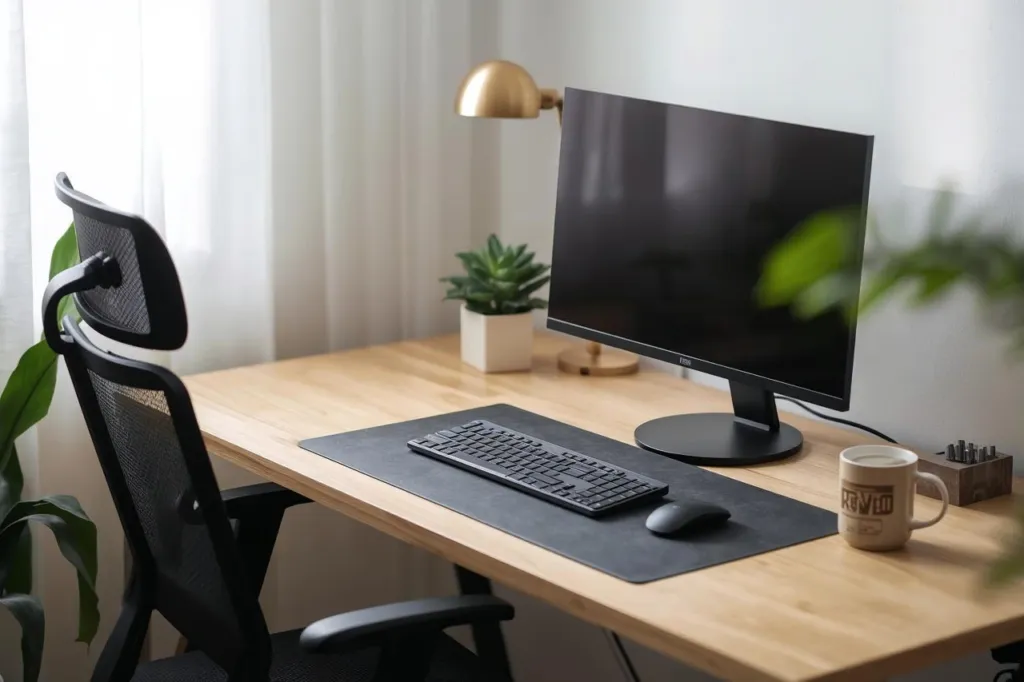
Each guide focuses on a specific aspect of home office setup, building toward a workspace that feels comfortable day after day.
Arrange your desk, chair, and peripherals in a way that supports relaxed, natural positioning throughout your workday.
Read Workspace GuideBalance natural and artificial light, position your screen thoughtfully, and create a visual environment that feels clear and focused.
Explore Environment GuideDiscover how regular micro-breaks, gentle movement, and a structured daily rhythm can make long work sessions feel more sustainable.
View Daily Rhythm TipsSelect the option that best describes your current setup and get relevant starting points.
Choose your current workspace comfort level:
Getting a comfortable desk setup does not require expensive equipment or major renovations. It starts with simple adjustments — chair height, monitor distance, and surface organization.
Each guide step works with what you already have, so you can begin immediately.
Start with the basics, then refine over time as your work patterns become clearer.
A structured checklist helps you verify each aspect of your workspace at a glance.
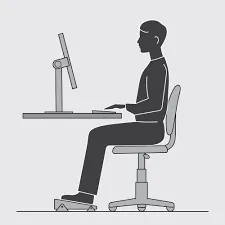
These four principles guide every recommendation across our guides.
Position tools where your arms and eyes rest comfortably, without reaching or straining.
Combine natural daylight with adjustable artificial light to reduce visual strain throughout the day.
Brief, regular movement breaks support a more comfortable and sustainable daily work pattern.
A clear, organized workspace reduces background distraction and supports a calm, focused atmosphere.
The visual environment around your desk — light quality, screen position, and surrounding space — plays a significant role in how comfortable extended work sessions feel.
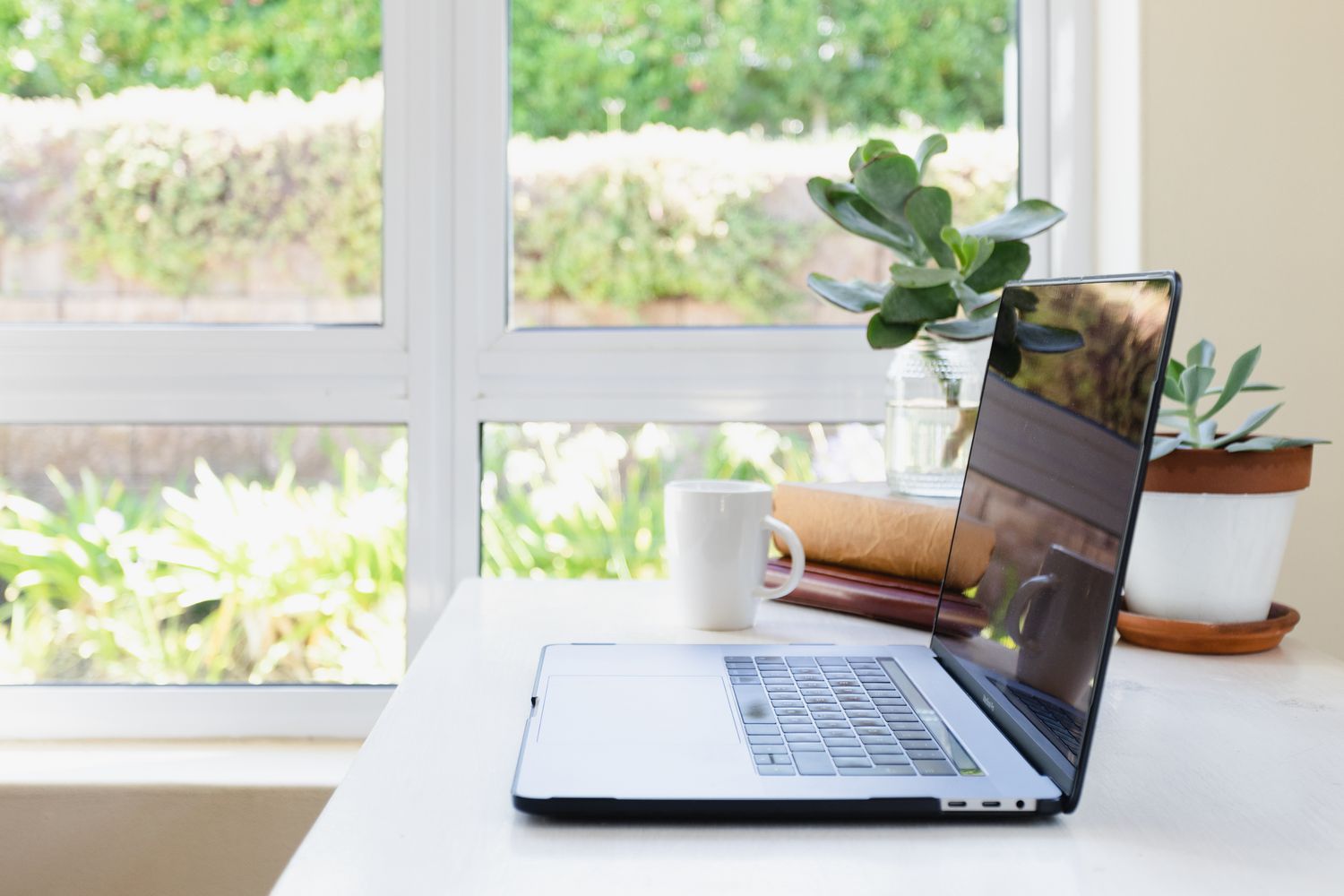
Side-facing windows reduce screen glare while keeping your workspace bright and pleasant.
Small adjustments to screen height and viewing distance can meaningfully change how your neck and eyes feel after hours of work.
Arrange your space so standing up and stepping away feels natural and easy, not like an interruption.
All materials and practices presented here are educational and informational in nature, aimed at supporting general wellbeing. They do not constitute medical diagnosis, treatment, or recommendation. Before applying any practice — especially if you have chronic conditions — consult a qualified professional.
Start with the full workspace setup guide and work through each area at your own pace.